
Identity and context
Read name, pronouns, ancestry, culture, age, occupation, standing, location, affiliation and attitude. Generated profiles use setting-neutral tables.
A name. A motive. A memorable meeting.
A clockmaker repairs a curious bird. Travellers arrive with a question. Create the person behind the counter, review their motives and bring a new encounter to your story.
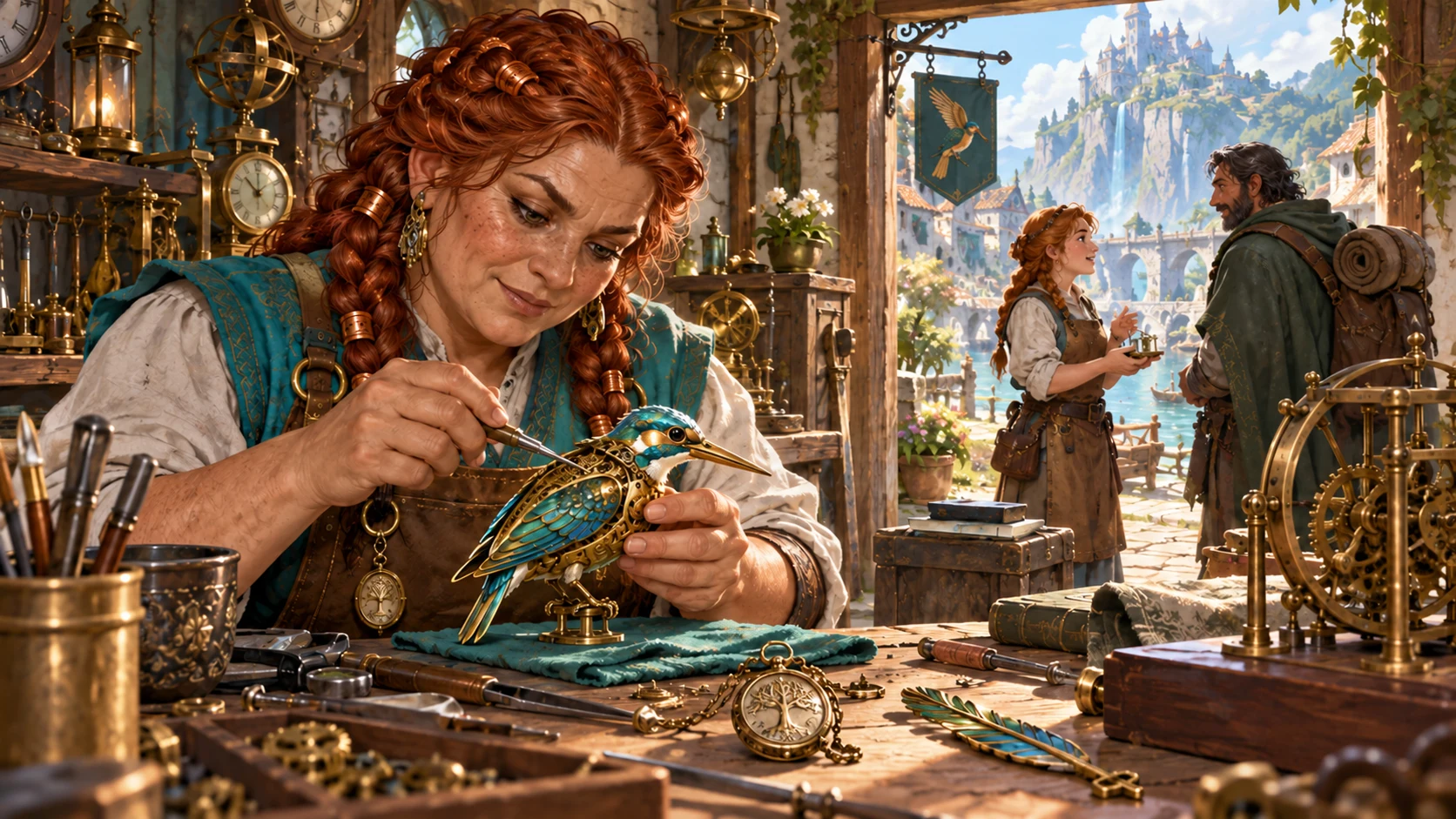
Someone worth meeting
Prepare a supporting character with details you can review and portray.
Read name, pronouns, ancestry, culture, age, occupation, standing, location, affiliation and attitude. Generated profiles use setting-neutral tables.
Inspect immediate and long-term goals, a secret, personality traits and introduction guidance. Decide how those details fit your story.
Choose level and role, then inspect the current summary. Complete missing combat details before using the profile in an encounter.
Save a local snapshot or copy reviewed JSON. Check private details and how the person fits the scene.
Shape a memorable meeting
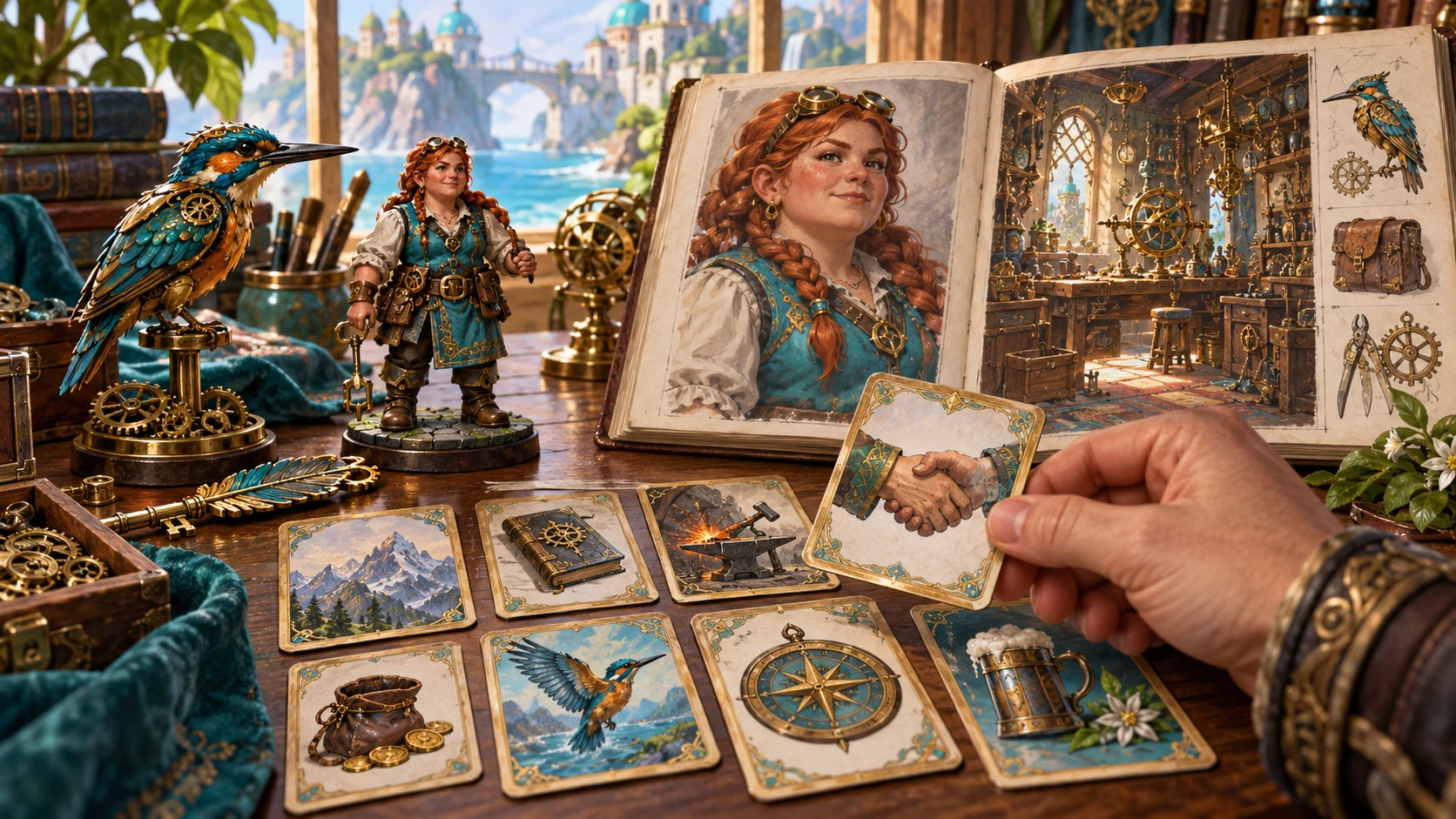
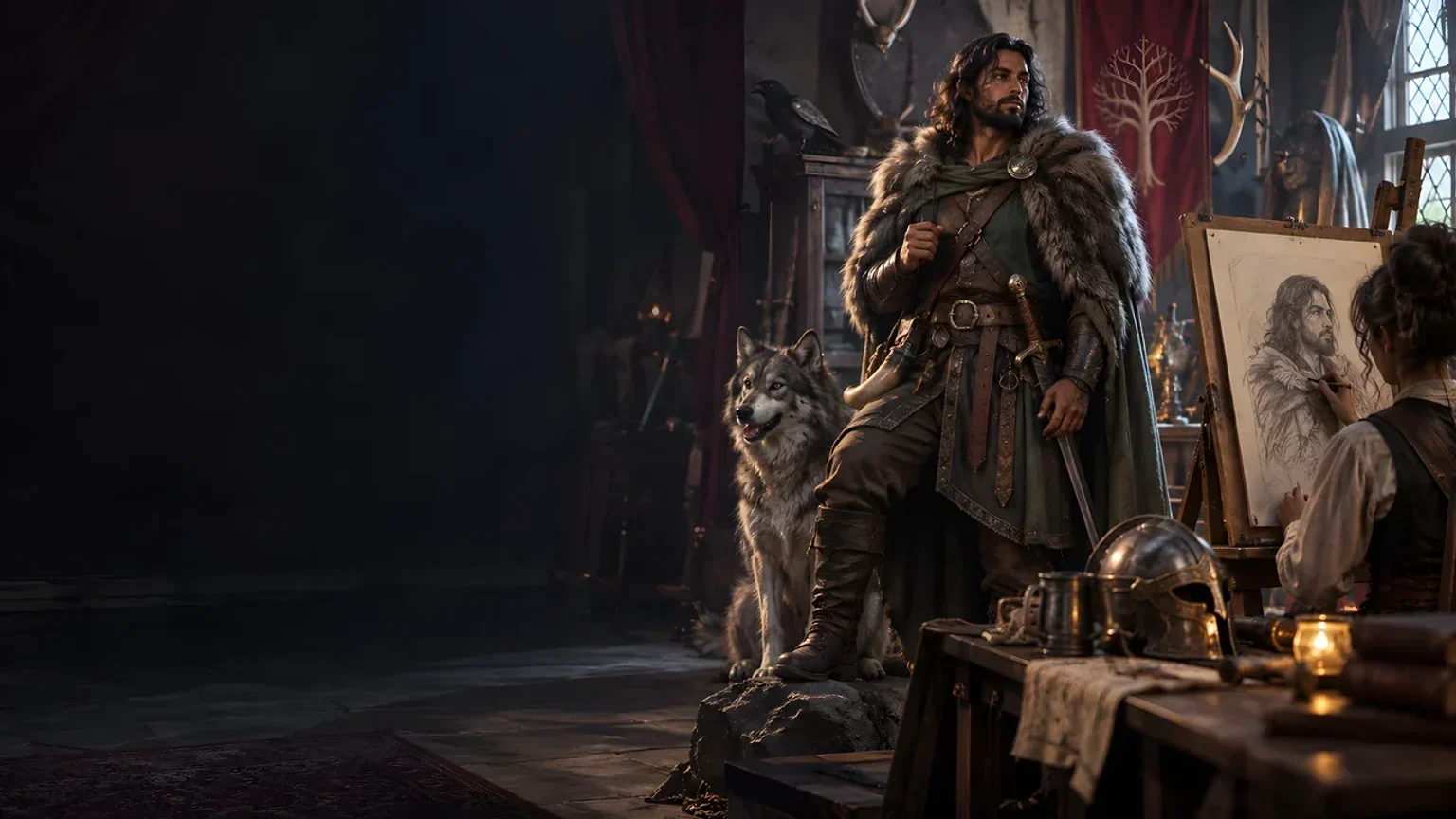
A portrait book, figurine and story cards illustrate NPC preparation. The tool supplies structured character data, not these pictures or cards.
Choose a foundation, generate and review the person. Save a profile before trying another variation.
From choices to reviewed character
Use the available controls deliberately.
Choose level, role, disposition and an optional seed in Quick. Leave role or disposition open to roll them.
Review identity, narration, goals, secret, traits, introduction guidance and statistics together. Adapt the portrayal to your setting.
In Guided, carry supported fields into a new result. Inspect related narration and statistics after the held values are applied.
Save a fresh local snapshot, reopen a record or copy reviewed JSON. Append the NPC’s name to a simple roster if useful.
The current character toolkit
Understand what is generated, retained and shared.
Choose level, role and disposition in Quick. Generate identity, appearance data, narration, goals, a secret, traits, introduction guidance and a statistics summary.
Hold name, ancestry, culture, occupation, location, attitude, appearance or secret while generating again. Review narration and statistics; they are not automatically reconciled.
Manual supplies a populated profile from a fixed seed at the selected level. The current interface has no blank character editor or direct result-editing controls.
Review abilities, hit points, armour information, saves, skills, languages and a first weapon name. Complete attack, spell and other combat details before play.
Explicitly Save a fresh record on this Windows installation. Reopen or Remove records; opening restores the result rather than current form choices.
Open an optional authored campaign NPC as a separate copy. Originals remain protected; random generation uses separate setting-neutral tables.
Create a local roster and append the current NPC’s name. Rosters keep ordered name lists rather than linked records or complete encounter instances.
Import an existing portrait index from the clipboard. Review filename suggestions and assign a local reference. Copy removes known private portrait fields; review secrets before sharing.
Choose the current workflow
Review Manual as a repeatable populated starting profile.
Set level, role and disposition, with an optional seed. Quick generates a complete current profile and does not preserve Guided holds.
Carry selected identity, appearance or secret fields into another generation. Holds are applied after generation; related details need review.
Use a fixed seeded profile at the selected level. It is populated rather than blank; there are no direct character-writing controls here.
Quick replay needs the same seed and form choices. Guided also needs its previous result and holds; save the complete result you want.
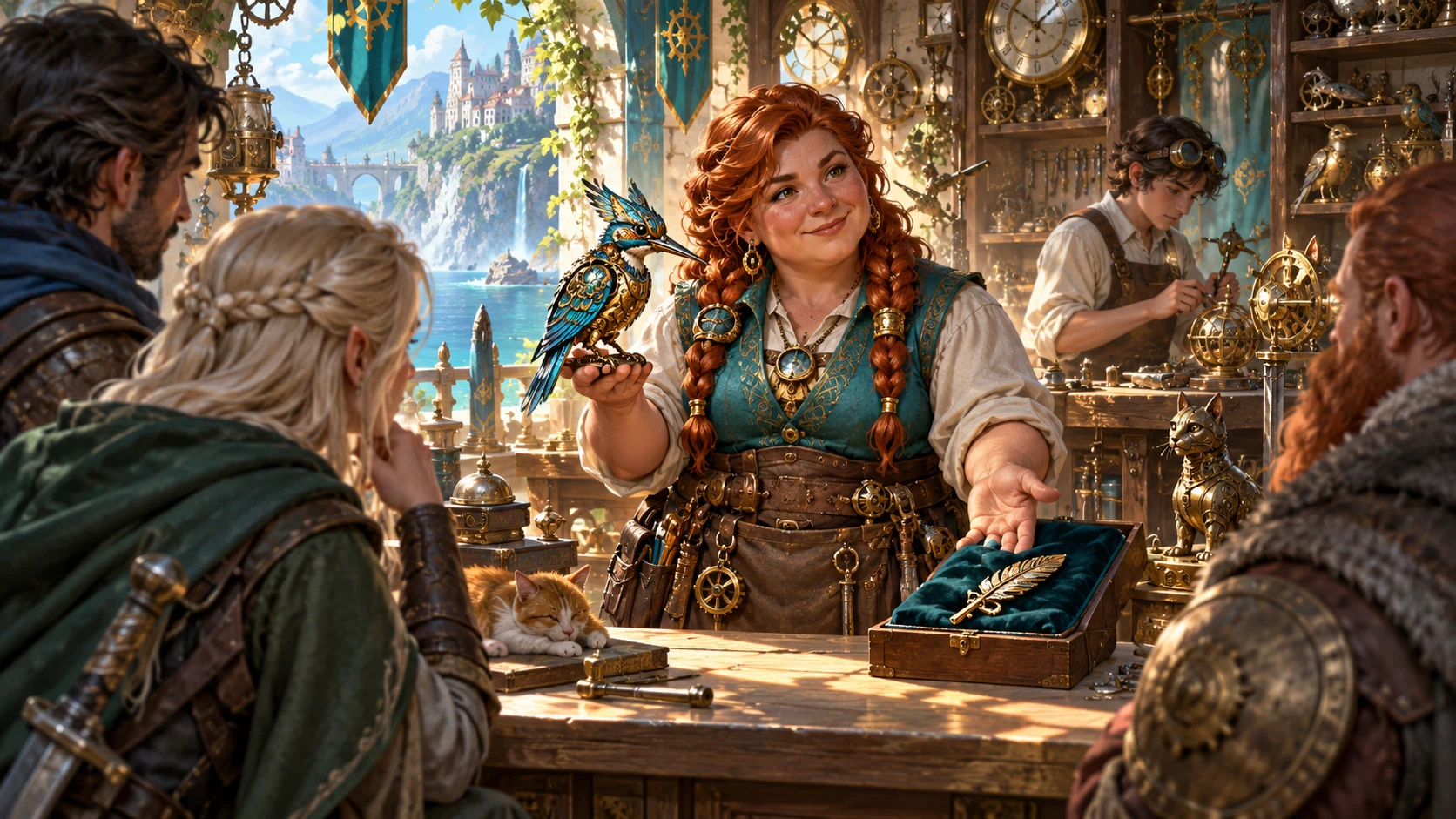
Meet the clockmaker
The clockmaker welcomes travellers with a clockwork bird. This illustration suggests a meeting; actual output is structured character data.
Review motives, narration and statistics. You decide how the person speaks and acts.
Keep details with care
Held values do not automatically reconcile related content.
Carry name, ancestry, culture, occupation, location, attitude, appearance or secret into a Guided result. Other fields are generated again.
Narration and mechanics can still reflect newly rolled identity. Review names, appearance, languages and role information after holding details.
A saved record restores its NPC data. Form choices and hold toggles remain separate; inspect them before generating again.
Each Save creates a new local record. Remove unwanted records deliberately; there is no automatic version history or overwrite editor.
Preparation you can assess
Use summaries and prompts with your own judgement.
Weapon names are not full hit-and-damage lines. Spellcasting and complete feature blocks are absent from this current output. Complete what your encounter needs.
Copy removes recognised portrait fields and private-marked objects. Secrets and DM guidance remain; review the actual JSON before sharing.
The optional authored campaign pack is separate from random generation. Use as base maps supported fields into a copy rather than retaining every original field.
No automatic Combat PRO handoff or shared campaign-state update is included. Related cards open separate websites with their own access.
Choose access for your toolkit
Begin with a free VISINVOKE account, then review the required selection and subscription.
Select NPC Generator individually. Creating a free account does not by itself include paid generator access.
Choose five eligible standalone generators. Review tools and terms in your account; a selection pack does not include every VISINVOKE product.
Choose more capacity when it suits your toolkit. Review actual tools and reselection terms before changing your subscription.
Linked products retain their own access requirements. NPC Generator does not automatically include Combat PRO or image-product access.

Save, reopen and Remove snapshots on this installation. Records are separate from account access and are not a cloud library.
Create a local roster and append NPC names. These are name lists rather than linked character records; duplicate additions remain possible.
Import an existing index from the clipboard and rank metadata matches. Suggestions list filenames or IDs rather than image previews.
Copy the profile with recognised private portrait fields removed. Check secrets yourself; there are no separate file-download or Print controls.
Portrait assignments use the current NPC identity. Save creates a different identity without transferring that assignment; check it after reopening.
Build your tabletop toolkit
Each card opens its own public website. Review purpose and access separately; links do not promise included access or automatic synchronisation.
Discover and open your supported Windows products through one connected VISINVOKE account.

Explore environment packs for tactical locations and the places your encounters unfold.
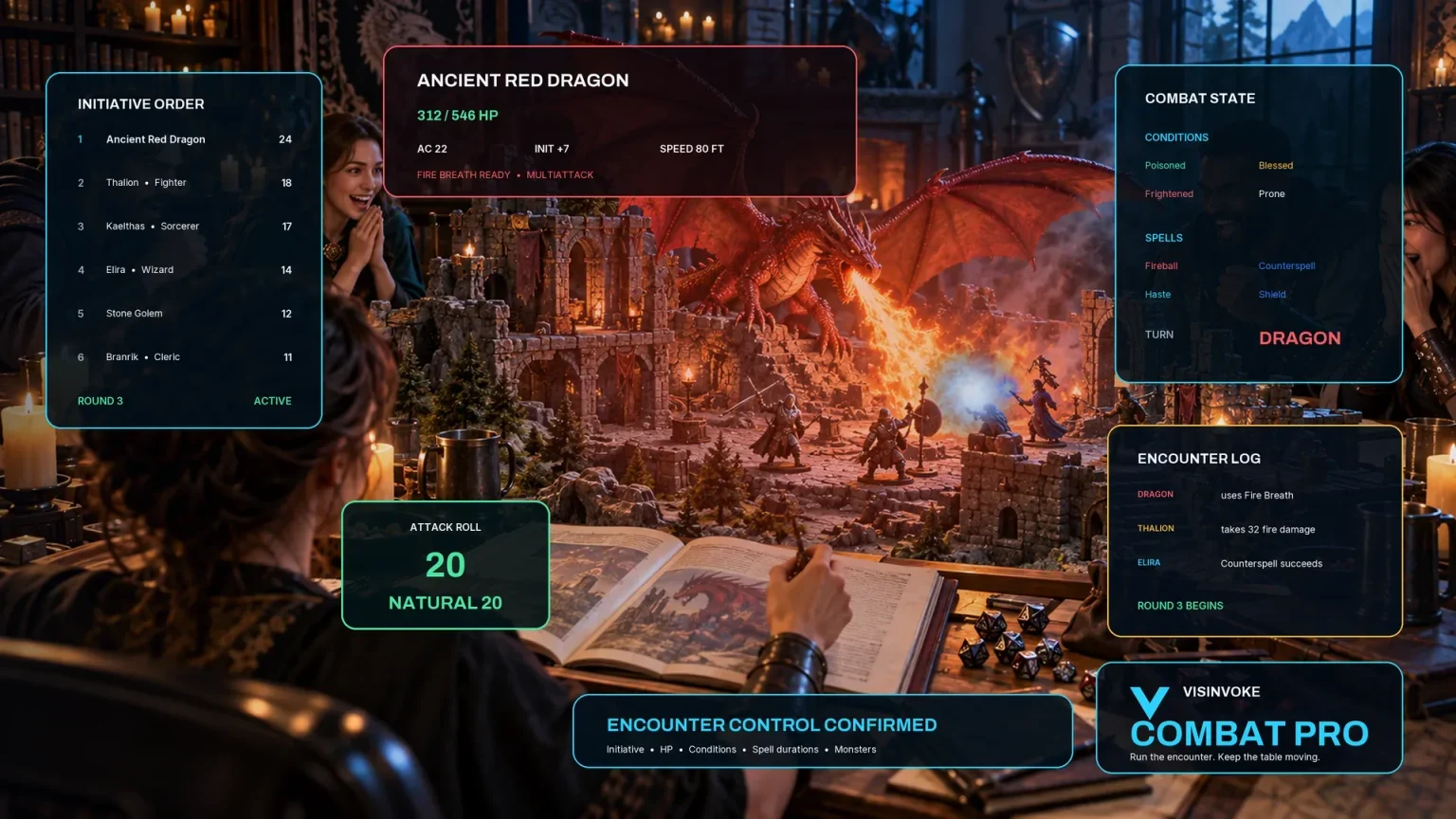
Prepare opposition and run tabletop encounters through a separate product with its own access.
Create focused character, monster, item and location images to complement your tabletop preparation.

Create guided commercial visuals for websites, brochures and wider creative projects.

Explore a separate futuristic RPG experience with its own world, characters and progression.
Product artwork illustrates NPC preparation, not application screens or actual generated image output.
Quick answers
Understand the current workflow before opening the tool.
Quick generates from level, role, disposition and an optional seed. Guided generates a new profile, then carries across selected held fields from the previous result. Narration, goals, languages or statistics can still refer to newly rolled context, so review them after holds. Quick ignores holds. Manual generates a populated profile from a fixed seed at the selected level; it ignores the current role, disposition and seed input. There is no blank character editor, direct result editor or individual field-reroll control in this interface.
The result contains abilities, hit points, armour information, save ability names, skills with their abilities, languages, a first weapon name and a possible Sneak Attack marker. Level affects hit points and some armour tiers; role shapes the other selections. It does not include complete attack hit or damage values, spell lists, feature blocks or the original application’s full combat data. Review armour modes and complete missing details before play. There is no automatic Combat PRO encounter handoff.
Quick replay needs the same seed, level, role and disposition with the same tables. Guided also depends on the previous profile and holds; its seed alone cannot restore held values. Generate clears the seed input while displaying the used seed with the result. Each Save creates a fresh local record. Reopening restores that result, not the current level, role, disposition, seed input or hold toggles. There is no autosave, cloud library, prior-version browser or record editor here.
The included authored NPCs belong to a specific campaign and are optional. Use as base maps supported fields into a separate copy and leaves the original protected; it does not retain every original application field. Save the copy or use Guided holds for another profile. Rosters append NPC names in order. They are name lists, not links to saved records or complete campaign instances; repeated additions can repeat a name. Current roster controls do not rename, reorder or remove individual members.
The product reads an existing portrait index, not generated images. Paste JSON containing a portraits array, or a raw array, through Import index from clipboard. Import replaces the local index; inspect entries first. Suggestions rank matching ancestry, age, occupation and standing tags, plus numeric aspect and brightness fields. The interface shows filenames or IDs and scores, not image previews. Assignment stays local under the current NPC identity. Save creates a different record identity without transferring that assignment, so check it after reopening a saved record.
Copy serialises the current profile as JSON after removing known portrait keys and objects marked private or excluded from export. Ordinary secrets, goals and DM introduction guidance remain; it is not a player-safe redaction tool. Unknown path text outside recognised fields is not automatically detected. Review the actual clipboard output before sharing. This interface provides Copy, but no separate JSON file-download or Print button. Local records and portrait metadata remain on this installation; account launch access is a separate requirement.
Continue in VISINVOKE
Create a free VISINVOKE account and choose required standalone access.
Get Desktop Command Centre from your account installer page. Sign in on Windows, then open NPC Generator.